Available on Android
Personal apps built around your life.
Describe the app you need in plain words. Venus builds it on your phone in about a minute, completely offline, with no ads or subscriptions.
Scan on Android
Scan with your Android camera to get Venus on Google Play.
Write what you need and answer a few quick questions.
How it works
Describe what you need
Explain how you want your app to work in plain words. Venus asks a few quick questions to get the details right.
Try it first
About a minute later, your working app is ready to tap through. Test every screen before you add it.
Make it yours
Add it to your library with one tap. It runs completely offline, stays on your phone, and costs nothing to use.
Built like an app you'd actually want to open.
From custom styling and per-app locks to offline reliability, every app you create comes with the controls built in.
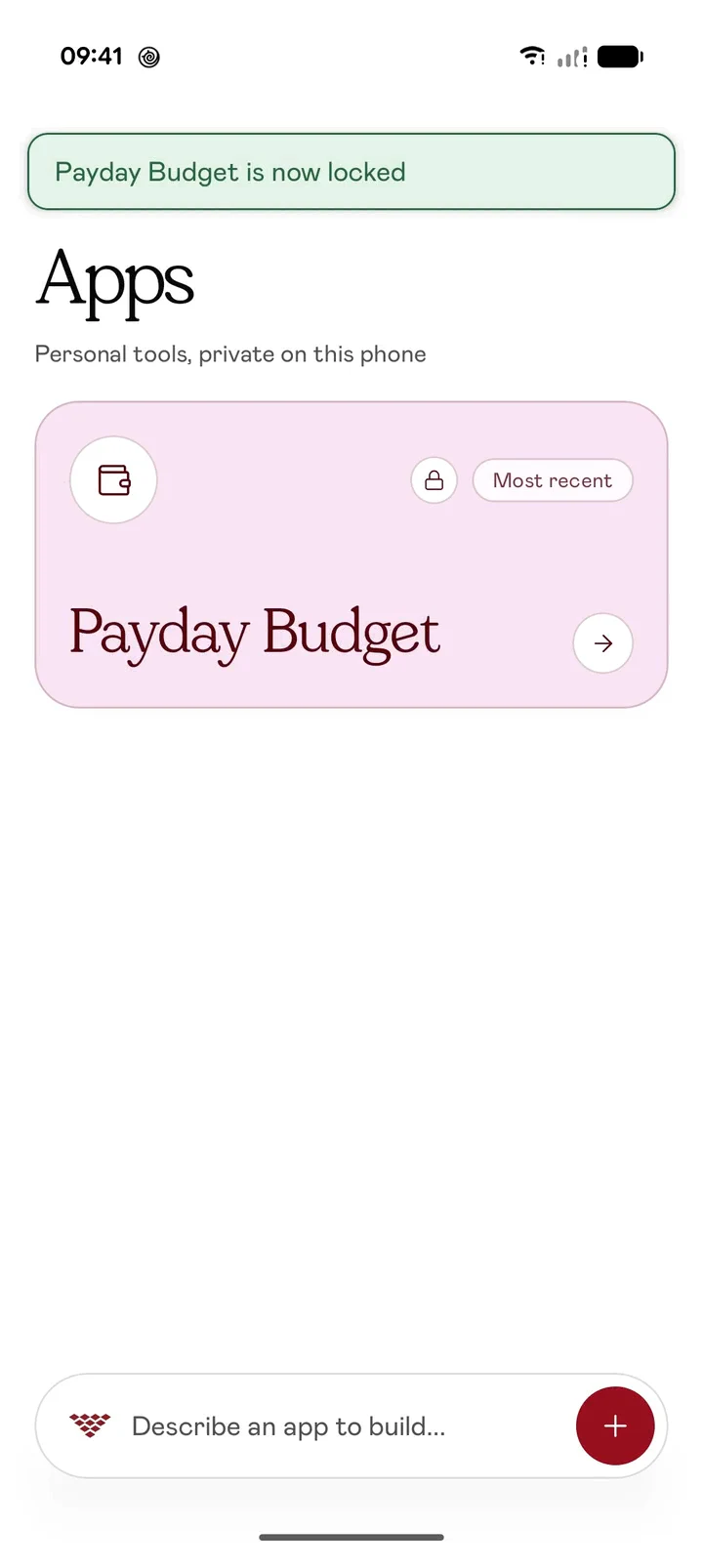
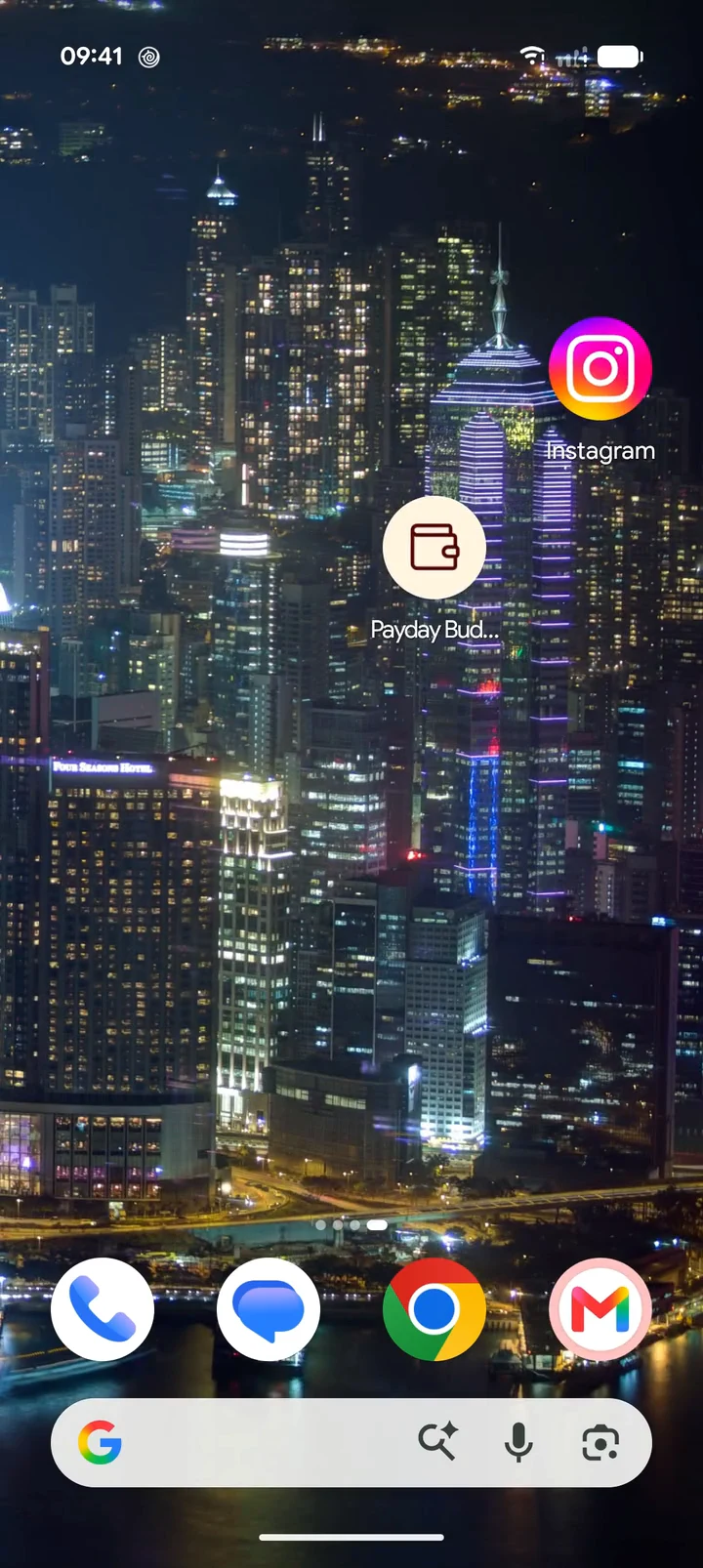
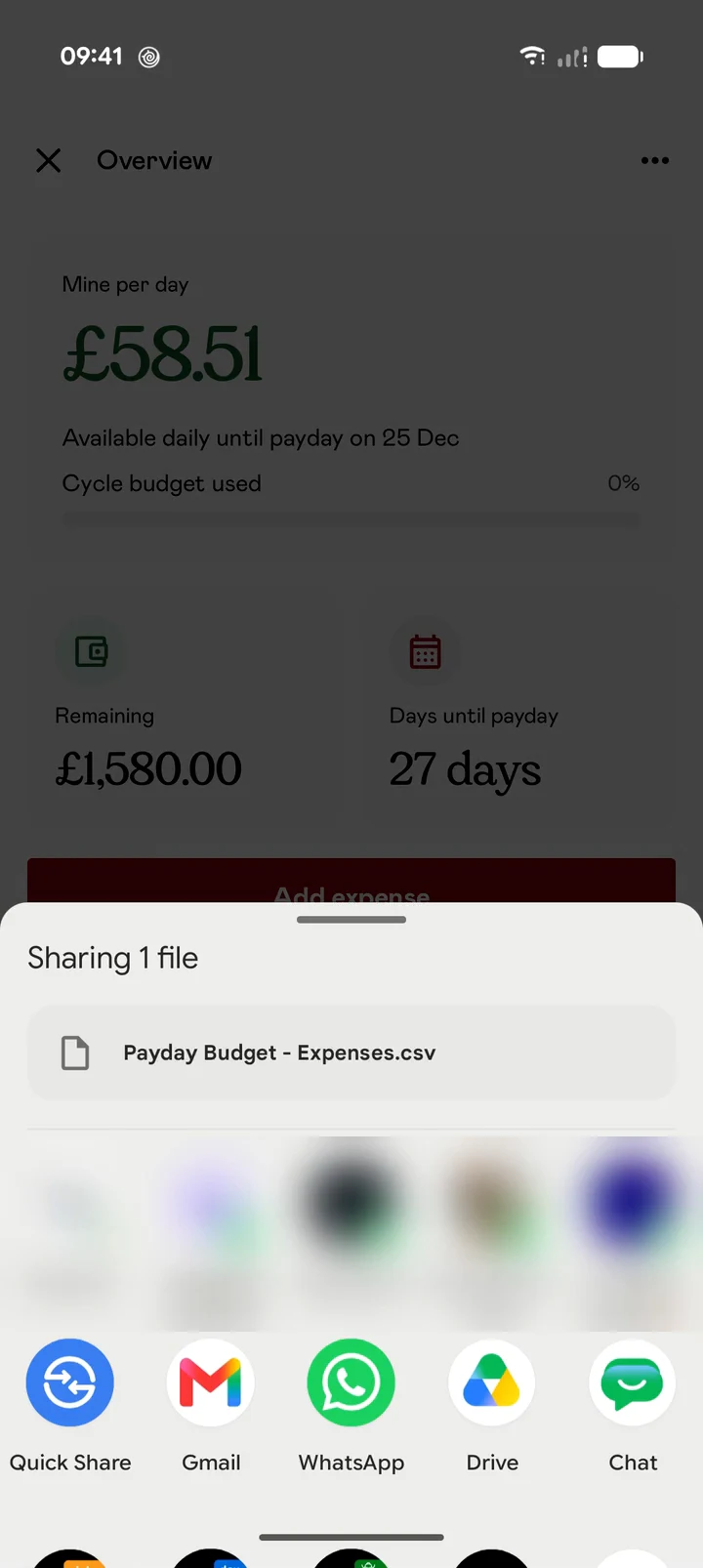
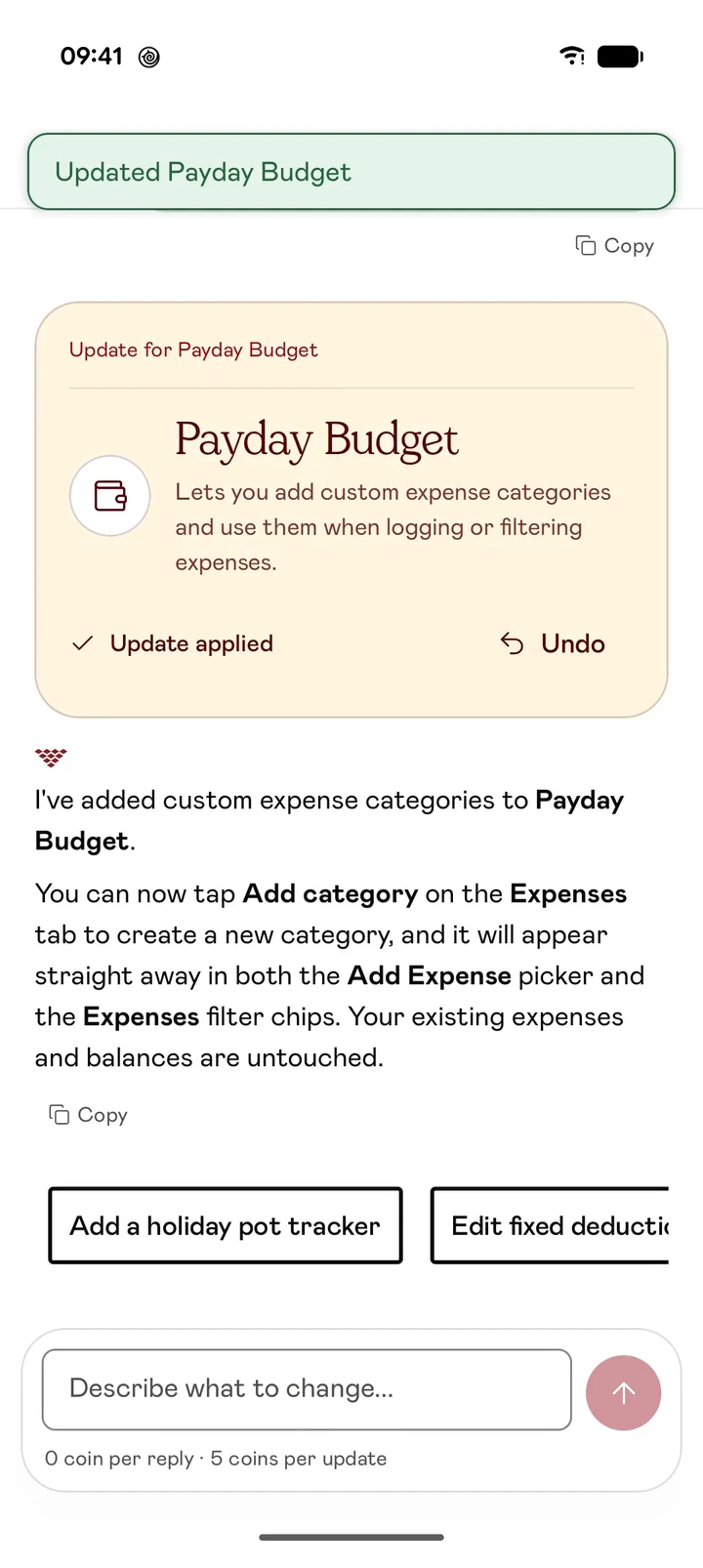
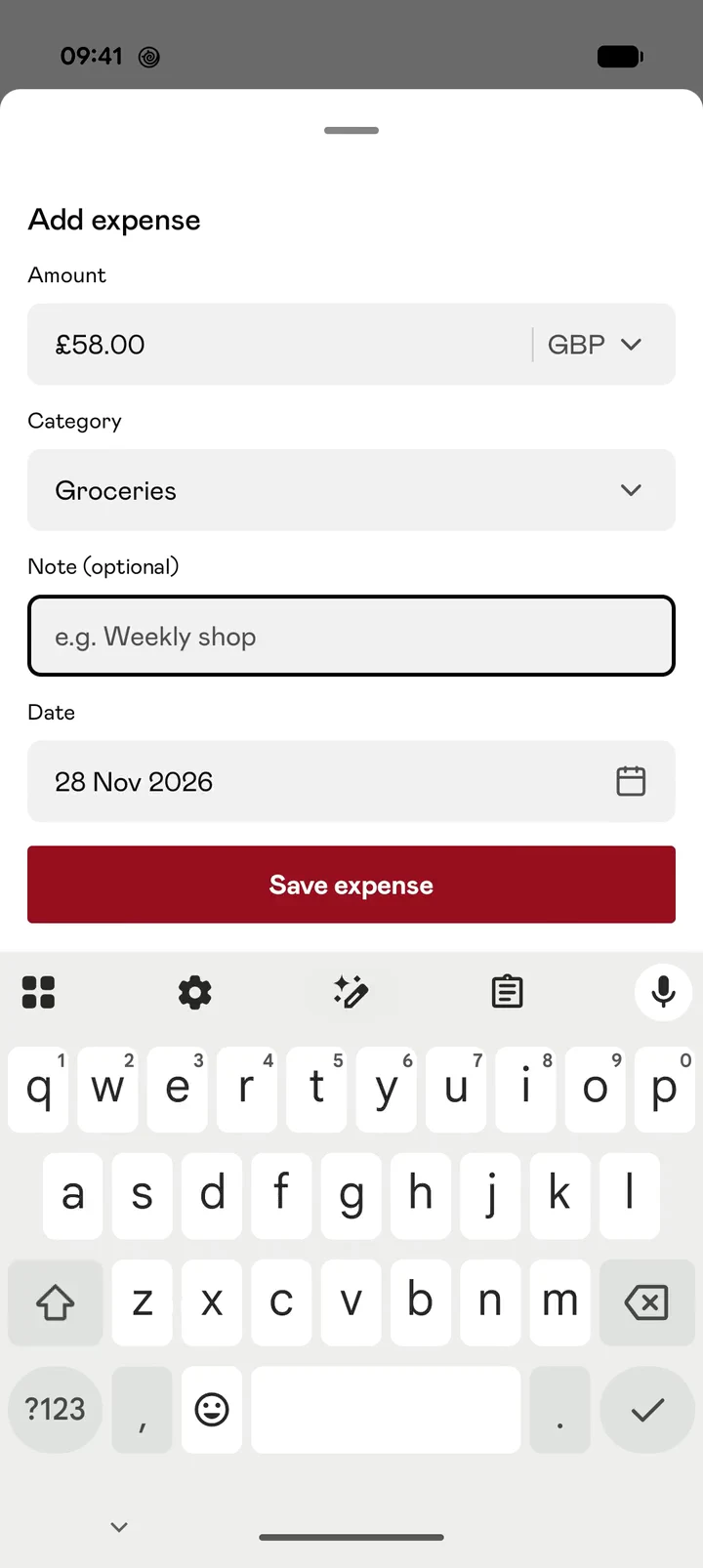
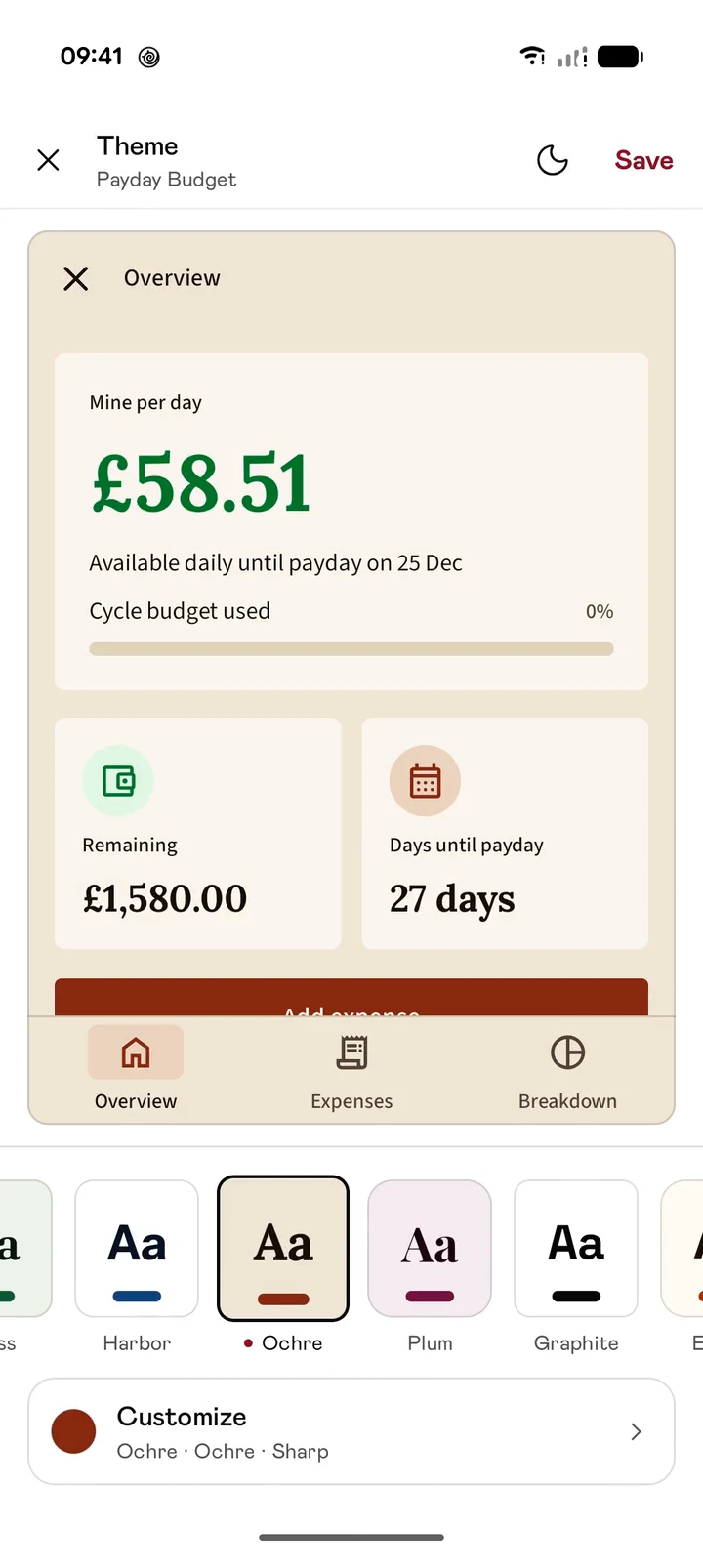
Want to try a few before you download? Open working Venus apps right here in your browser.
Explore live appsPrivate on your phone. Free to keep.
Apps that can't go online can't leak your data, and don't need a monthly subscription to keep running.
- 0bytes of your app data on our servers
Private by default
Your entries never leave your device. Even when you ask Venus to edit an app, it only sees the layout and never what you have logged inside.
- 0ads or subscriptions
Free to use forever
Once an app is on your phone, running it costs nothing. No entry limits, no ads, and nothing to renew.
- 100free coins to start
Pay only when you build
Verify your email once to get 100 free coins, enough for roughly 10 new apps or 20 edits. Brainstorming and answering questions cost nothing.
Questions, answered.
The practical details on how Venus works, what stays local, and where the limits sit.
Privacy & full FAQ- Do my apps install separately from an app store?
- No. You install Venus once. Inside it, each app has its own design, local storage, home-screen icon, and optional biometric or passcode lock.
- Can I edit an app later without losing data?
- Yes. Open an app's menu and ask for new tabs, charts, or fields anytime. Everything you have already saved carries over, and one tap undoes the change.
- What happens when I switch phones?
- Your app records move with your phone's standard Google or iCloud backup (photos and voice clips stay local to the device), and you can export any app as a CSV file anytime.
- What will Venus say no to?
- Anything that requires live internet access or other people, such as social feeds, messaging, live stock prices, weather forecasts, or taking payments.
Build your first app today.
Download Venus free on Google Play and shape your first app in about a minute.
Start with ~10 free builds · Free to use forever